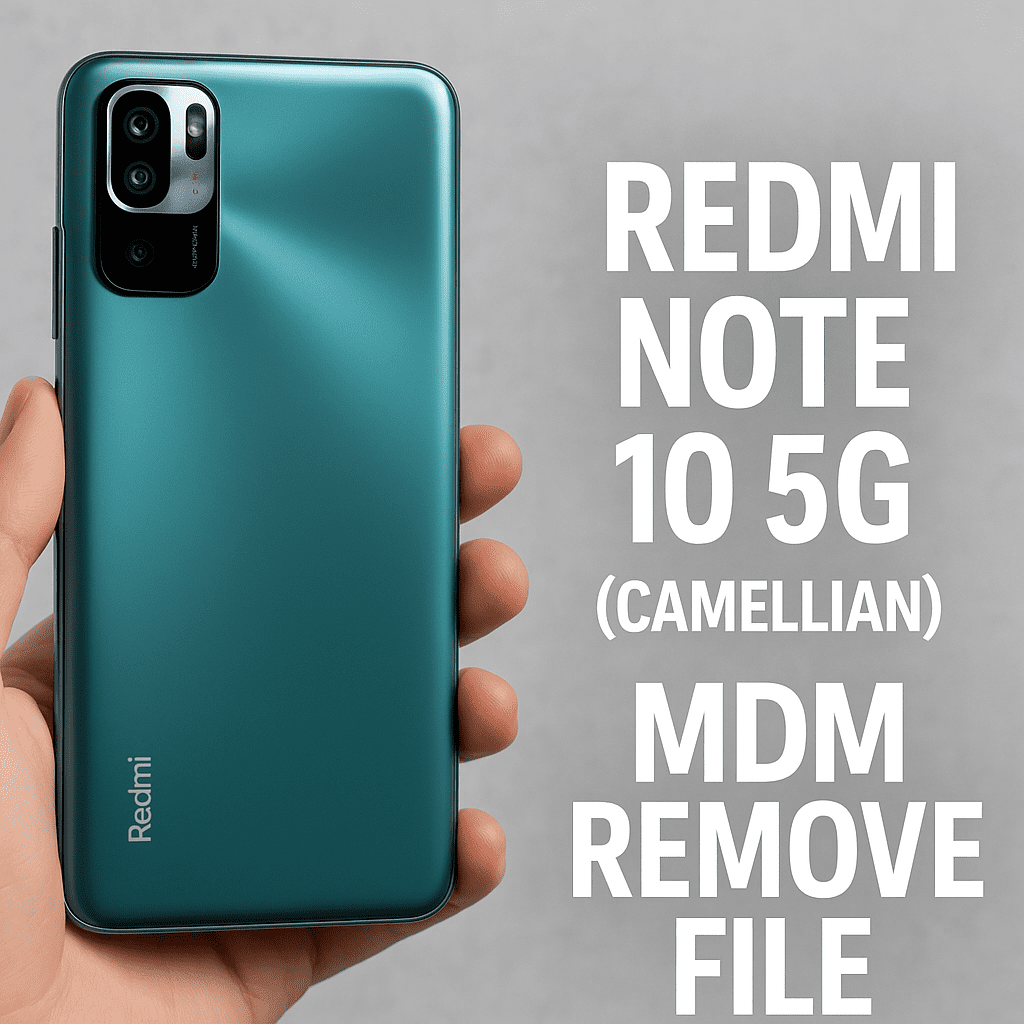
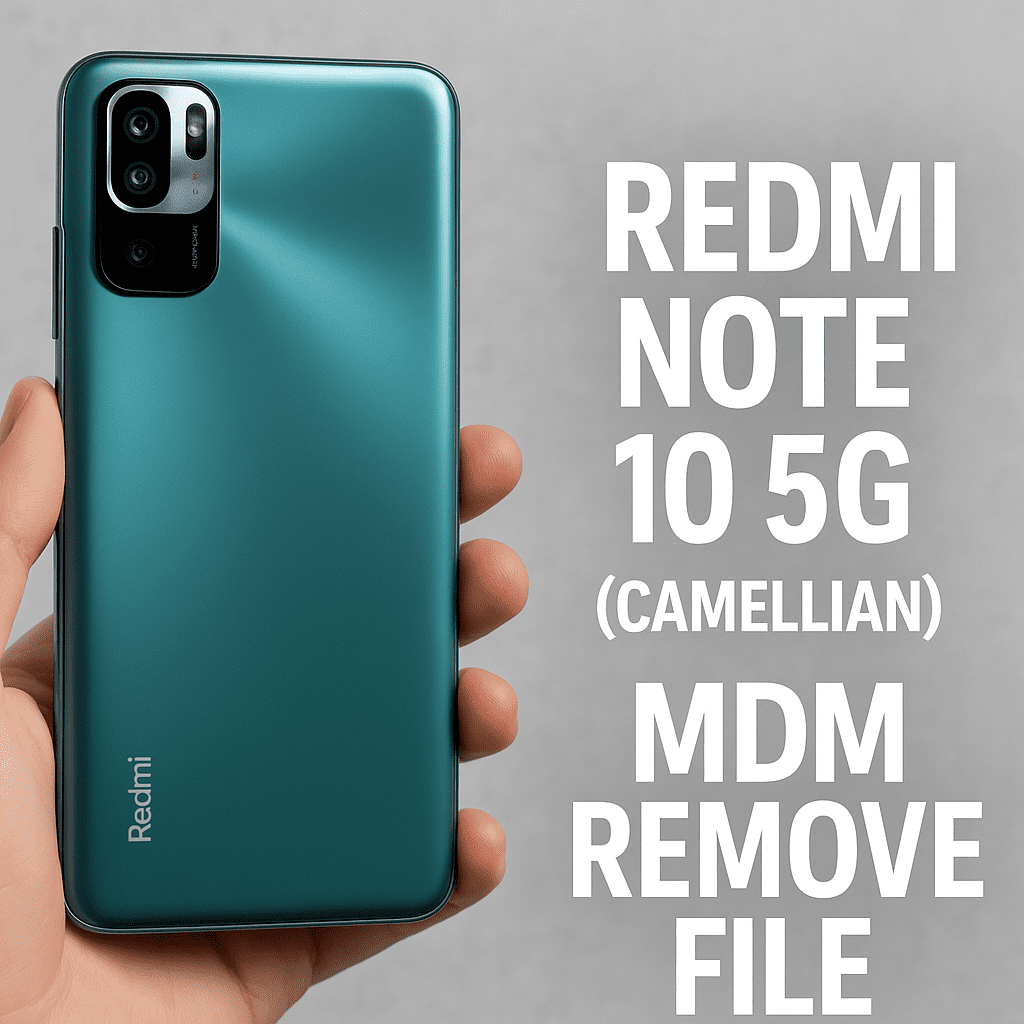
If you’re stuck with an MDM-locked Redmi Note 10 5G (Camellian), I know how frustrating it can be. I’ve seen this happen a lot — especially with phones that were used in schools, offices, or sold second-hand. The good news? You don’t need to throw it away or go to a service center. I’ve got the MDM Remove File that works — and it’s been tested on multiple devices already.
🤔 What’s MDM, and Why Is Your Phone Locked?
MDM stands for Mobile Device Management. It’s basically a way for companies or institutions to control what you can do with the phone — like restricting apps, blocking access to settings, or even locking the whole device.
If you’re seeing something like “This device is managed by your organization,” that’s MDM.
✅ The Fix: MDM Remove File for Redmi Note 10 5G
This file is specifically for the Camellian variant of Redmi Note 10 5G, and yes — it works.
🔗 Download Link:
📥 Click here to download the file from Google Drive
- ✅ No password
- ✅ 100% tested on MIUI 12 & 13
- ✅ Safe to use with Xiaomi Flash Tool / UnlockTool
- 🧑🔧 Shared by the Filewale Team (shoutout to them!)
⚙️ How to Use It – Step-by-Step
- Download & extract the zip file using WinRAR or 7-Zip.
- Boot your phone into EDL Mode (Emergency Download Mode). You’ll need test points or a professional tool for this.
- Open Mi Flash Tool or UnlockTool.
- Load the firmware and click flash.
- Wait a few minutes… and boom — MDM is gone.
🔐 Important: This will erase your data. So make sure you back up anything important first.
📌 Notes & Tips
- This method is only for the Camellian (Redmi Note 10 5G) model.
- Works best on MIUI 12 and MIUI 13.
- Don’t try on other models or builds — you might brick the phone.
⚠️ Disclaimer:
We’re sharing this for educational and repair purposes. You’re responsible for how you use it. If you’re unsure, it’s best to get help from someone experienced
Got stuck somewhere? Let me know — I’ll do my best to guide you through it. 👍