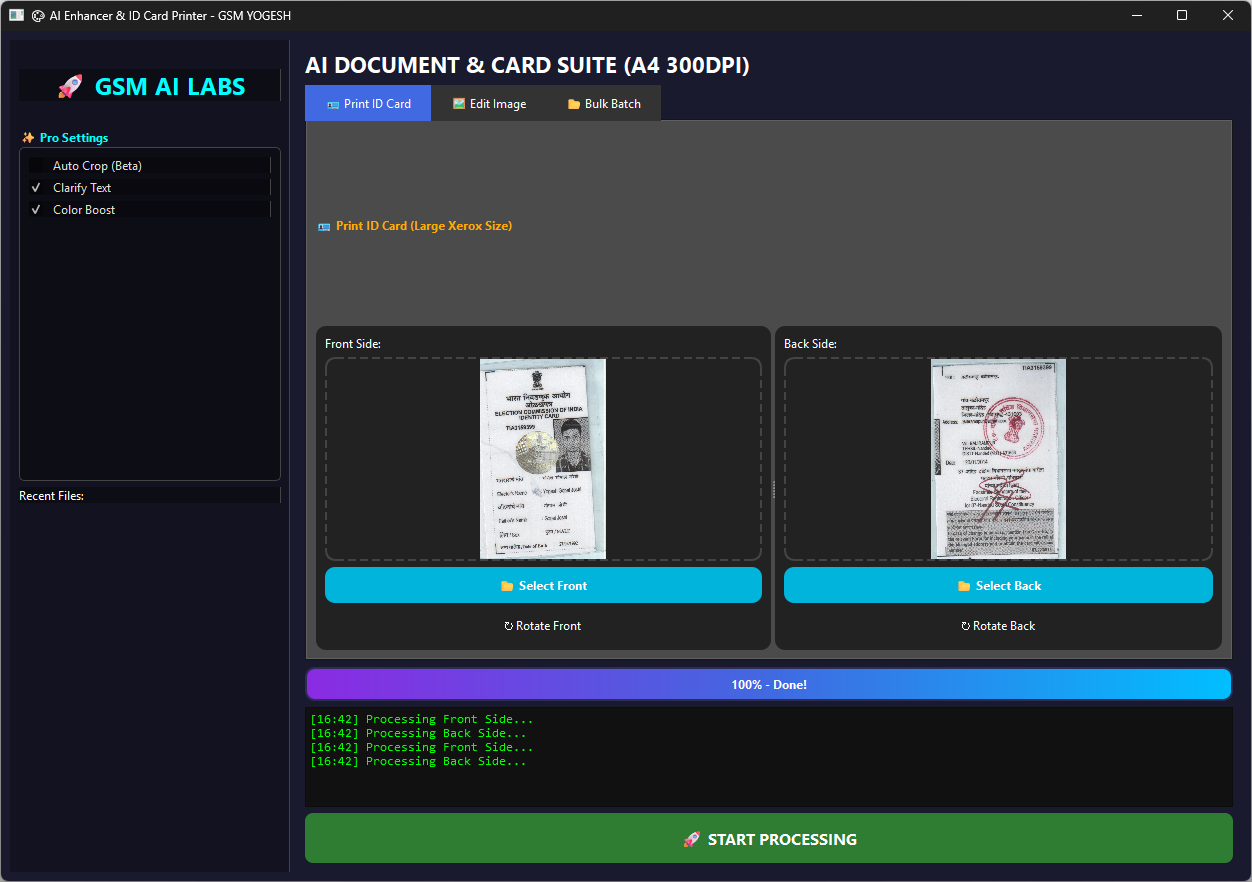
Hello friends!
GSM AI Tool Pro – Are you running a mobile shop, a CSC center, or a photocopy shop? If yes, then you know the daily struggle. A customer comes with a photo or an Aadhaar card image, and you have to spend 10-15 minutes just to crop it, clean it, and set it on an A4 paper.
Using Photoshop for small work takes too much time. And if you are not an expert, the ID card often looks too small or stretched (pitchka hua).
Today, I am sharing a special tool that solves all these problems in just one click. Meet the GSM AI Tool Pro.
What is GSM AI Tool?
GSM AI Tool is a simple Windows software made for shop owners who want to work fast. It uses Artificial Intelligence (AI) to automatically clean photos, remove backgrounds, and most importantly, print ID cards in the perfect Xerox size.
You don’t need to learn photo editing. You don’t need to adjust borders manually. This tool does everything for you.
Why Do You Need This GSM AI Tool?
Earlier, setting up the Front and Back of an ID card on a single A4 page was a headache. Sometimes the print was too small, sometimes it was blurry.
With this new update:
- Smart Resize: Your photos will never look squashed or stretched. The tool automatically fits them perfectly.
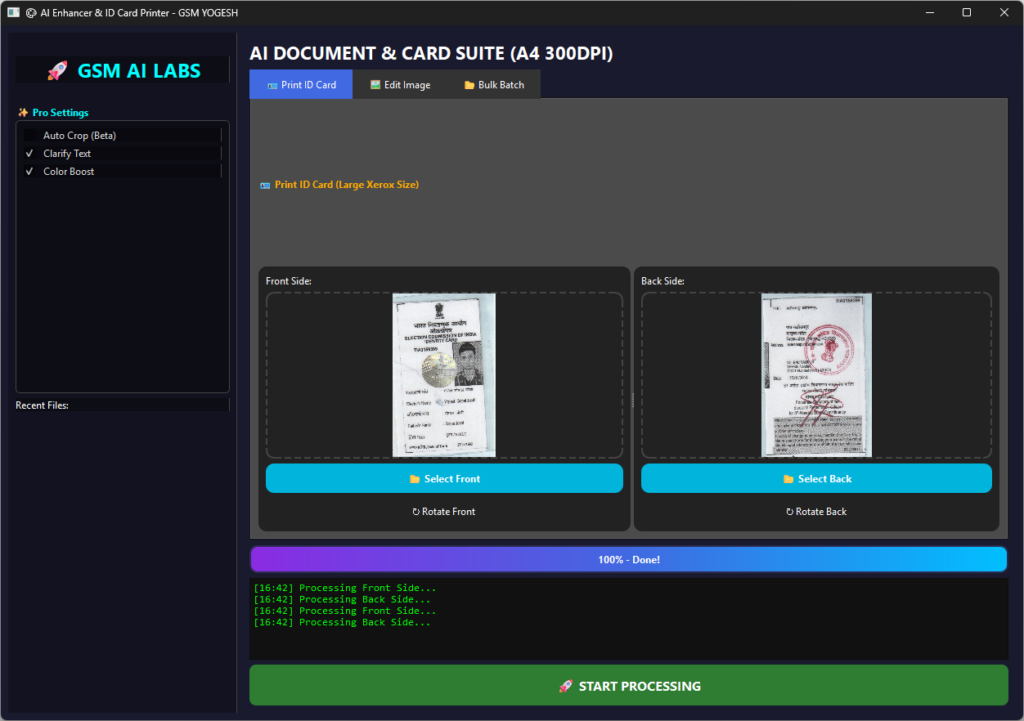
- Big Xerox Size: We have increased the print size to 70% of the page width. The ID card looks big, clear, and readable.
- One-Time Activation: No need to login again and again.
also – GSM POWER UNLOCK TOOL
Key Features GSM AI Tool
Here is what you can do with this tool:
- 🪪 ID Card Printing (A4 Mode): Just select the Front image and Back image. The tool will automatically arrange them on an A4 sheet with the perfect gap. It boosts the colors so the text looks dark and clear.
- ✂️ AI Background Remover: Have a photo with a bad background? Just one click, and the background is gone! It works offline too (after the first use).
- 📂 Batch Processing: If you have 50 photos to clean, you don’t need to do them one by one. Select the whole folder, and the tool will clean all of them at once.
- ✨ Auto Enhancement: It automatically sharpens the text and brightness. Old or dark documents will look fresh and new.
How to Install and Use GSM AI Tool (Step-by-Step)
We have made the installation very simple. You don’t need to extract zip files anymore. Just follow the “Next-Next” process:
Step 1: Download the Setup Download the GSM_AI_Tool_Setup.exe file from the link below.
Step 2: Run the Setup Double-click on the downloaded file. (Note: If Windows shows a “Protection” warning, just click on More Info and then Run Anyway. This happens because it is a new tool).
Step 3: Follow the Wizard A setup window will open.
- Click Next.
- It will ask where to save (Default is fine) – Click Next.
- Make sure “Create Desktop Shortcut” is checked – Click Next.
- Finally, Click Install.
Step 4: Finish & Launch Wait for a few seconds. Once done, click Finish. You will see a new icon “GSM AI Tool Pro” on your Desktop. Open it!
Step 5: One-Time Activation When you open it for the first time, it will ask for a key.
- Password:
gsmyogesh - Click Activate. You only need to do this once.
Real-Life Benefit
Imagine a customer comes to your shop with a photo of an ID card taken from a mobile phone. The photo is tilted and dark.
- Old Way: Open Photoshop > Crop > Rotate > Adjust Brightness > Create A4 Canvas > Paste > Resize > Print. (Time: 10 Minutes)
- New GSM AI Way: Open Tool > Select Photo > Click Process. (Time: 30 Seconds)
It saves your time, and time is money!
Frequently Asked Questions (FAQs)
Q: What is the activation password?
A: The password is gsmyogesh. It is free for my subscribers.
Q: Does it remove background offline?
A: Yes! For the first time, you need internet to setup the AI. After that, it works 100% offline without internet.
Q: My antivirus is deleting the file, what to do?
A: Because this is a custom tool, some antivirus software might flag it. Please disable your antivirus for 5 minutes or add the folder to the “Exclusion list” to run it smoothly.
Q: Can I use it on Windows 7?
A: It works best on Windows 10 and Windows 11.
Download Now and make your printing work easy!
| 🚀 Download Server | 📂 File Name | 🔐 Activation Key | 🔗 Download Link |
| Server 1 (Google Drive) | GSM_Ai_PHOTO_LAB.rar | gsmyogesh | Download Here |
| Server 2 (MediaFire) | GSM_Ai_PHOTO_LAB.rar | gsmyogesh | Download Here |