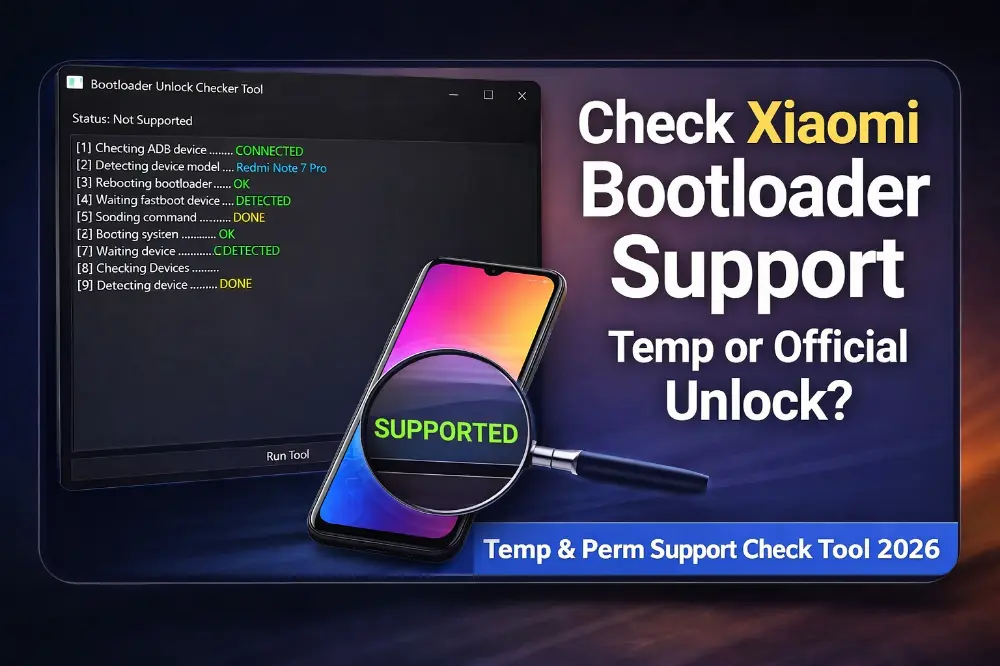
Xiaomi Temp & Perm Support Check Tool 2026 – Check Bootloader Support Before Unlock
If you repair Xiaomi phones or unlock bootloaders, then this tool is very useful for you.
Many new Xiaomi phones now support TEMP bootloader unlock method, but not all devices support it.
So before trying unlock, it is better to check first. This tool helps you check if your phone supports TEMP unlock or only official unlock.
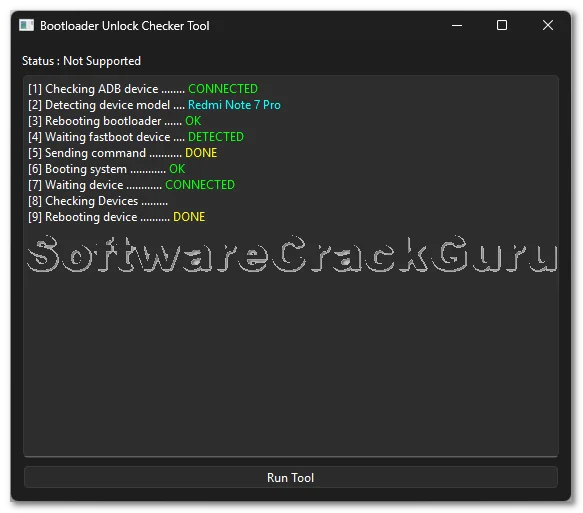
Remember one important thing. This tool does NOT unlock bootloader.
It only checks whether your device supports TEMP unlock method or not.
If supported, then you can use another tool to unlock TEMP bootloader.
If not supported, then you must use official Xiaomi unlock process.
Tool Features
- Check TEMP bootloader unlock support
- Check Permanent unlock support
- Simple one click tool
- Fast device detection
- Works in ADB and Fastboot mode
- Safe tool (no changes in phone)
- Best for mobile repair technicians
Why This Tool Is Useful
Before this tool, we had to try unlock directly and sometimes it failed and wasted time.
Now we can check support first. If device supports TEMP unlock, we can finish work very fast.
If not supported, we directly go to official unlock method. This saves time and avoids problems.
How To Use The Tool
- Install Xiaomi USB Drivers on computer
- Enable USB Debugging in phone
- Connect phone to PC using USB cable
- Open the Support Check Tool
- Click on “Run Tool”
- Wait until process finish
- Tool will show Supported or Not Supported
Understanding Tool Result
- If tool shows SUPPORTED → You can use TEMP Bootloader Unlock tool
- If tool shows NOT SUPPORTED → You must use Official Xiaomi Unlock
My Personal Shop Experience
In my mobile repair shop, many Xiaomi phones come for bootloader unlock and software work.
Some models support TEMP unlock and some models do not support it.
Earlier we had to test many tools and it took a lot of time.
Now I first run this support check tool. In just one minute I know what to do.
If supported, I unlock with TEMP method. If not supported, I use official unlock.
This tool really saves time and makes work easier.
Advantages Of This Tool
- Saves a lot of time
- No risk for phone
- Very easy to use
- Useful for repair shops
- Helps decide unlock method
- Works very fast
Download Xiaomi Temp & Perm Support Check Tool 2026
Password: 123
FAQs
Q1: This tool unlock bootloader?
No. This tool only checks support. It does not unlock bootloader.
Q2: What is TEMP Bootloader Unlock?
TEMP unlock means bootloader unlock for temporary use without full official unlock.
Q3: What if tool shows Not Supported?
Then you must unlock bootloader using official Xiaomi unlock tool.
Q4: Is this tool safe to use?
Yes, it is safe because it only checks device support.
Q5: Can normal users use this tool?
Yes, but mostly useful for mobile technicians and repair shops.