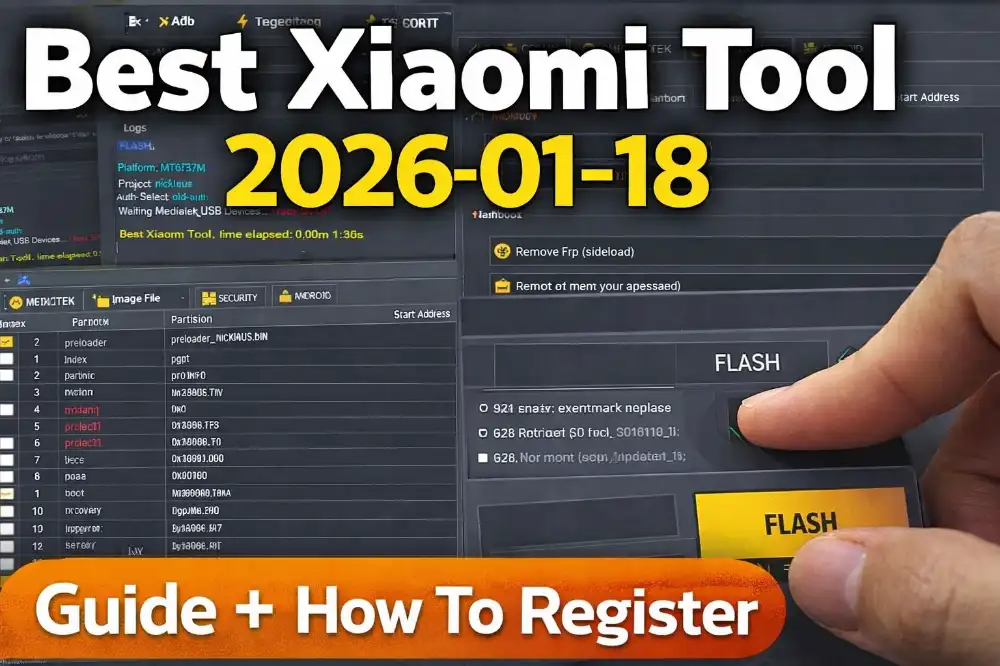
Best Xiaomi Tool 2026.01.18 – Easy Flash, Unlock & FRP Tool (Full Guide)
If you repair Xiaomi or Poco phones, this tool can make your work much easier. Best Xiaomi Tool 2026 is a simple software that helps you flash firmware, remove locks, and fix common mobile issues. It supports both old and new Xiaomi devices and works with Mediatek and Qualcomm phones.
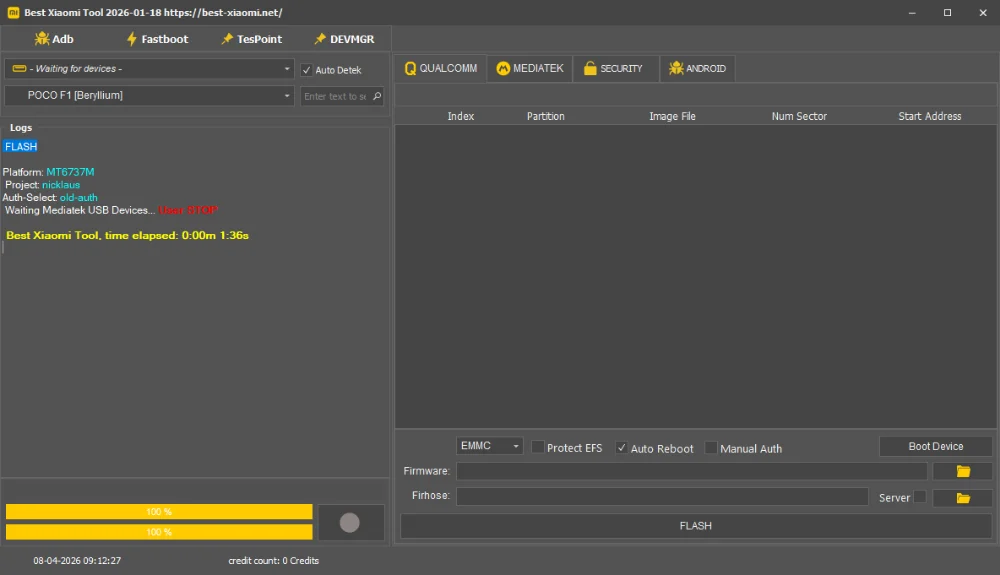
The best part is, this tool is server based. That means many things like auth and DA selection are automatic. You don’t need to do complex setup. Just connect your phone and start working.
Key Features
- Supports almost all Xiaomi and Poco models
- Flash firmware easily (Fastboot & Mediatek)
- Remove FRP lock in one click
- Mi Account (Mi Cloud) remove option
- Unlock bootloader (auth supported)
- Auto detect device feature
- Simple and clean interface
- Server-based working system
- Some models work without auth
- Safe and fast process
What’s New in 2026.01.18
- Better UI: More smooth and clean design
- New models added: Latest Xiaomi phones supported
- Improved Mediatek support: Better connection and flashing
- Bug fixes: Fixed small errors in previous version
- Faster server response: Less waiting time
Real Experience (Shop Work)
In my shop, I tested this tool on many devices. One customer came with Poco C50 stuck on logo. I used Mediatek option, loaded firmware, and flashed the phone. Within few minutes, phone was working fine.
Another case was FRP lock. Using “Remove FRP” option, the phone unlocked without any issue. For Mi Account lock, I used “Remove Micloud++”. Some models needed credits, but work was smooth. For daily repair work, this tool is very helpful.
How to Register and Use
- Download the 24MB setup file from link below
- Run setup and install using Next → Next → Install
- After install, open the tool
- Now go to website: https://best-xiaomi.net/api/user/
- Click on Register
- Fill username, email, password and confirm password
- Click on Create Account
- No email verification needed (use secondary email for safety)
- Now open tool login screen
- Enter username and password and click Login
- Connect your phone with USB
- Select option like Flash / FRP / Unlock
- Tool will auto detect auth/DA (plug and play)
- Click on Start and wait for process
Advantages
- Very easy to use, no technical knowledge needed
- Saves time in mobile repair work
- Works with both auth and no-auth models
- All-in-one tool for Xiaomi devices
- Stable and reliable for daily use
File Information
File Name: Best_Xiaomi_Tool_2026.zip
File Size: 24MB Setup
File Type: Free + Credit Based
Password: 1234
Download File
FAQs
- Q1: Is this tool free?
Some features are free, but some need credits. - Q2: Can I use it without auth?
Yes, some models support no-auth method. - Q3: Does it support new Xiaomi phones?
Yes, latest models are supported. - Q4: Is it safe?
Yes, if used properly with correct steps. - Q5: Do I need internet?
Yes, because it is a server-based tool.