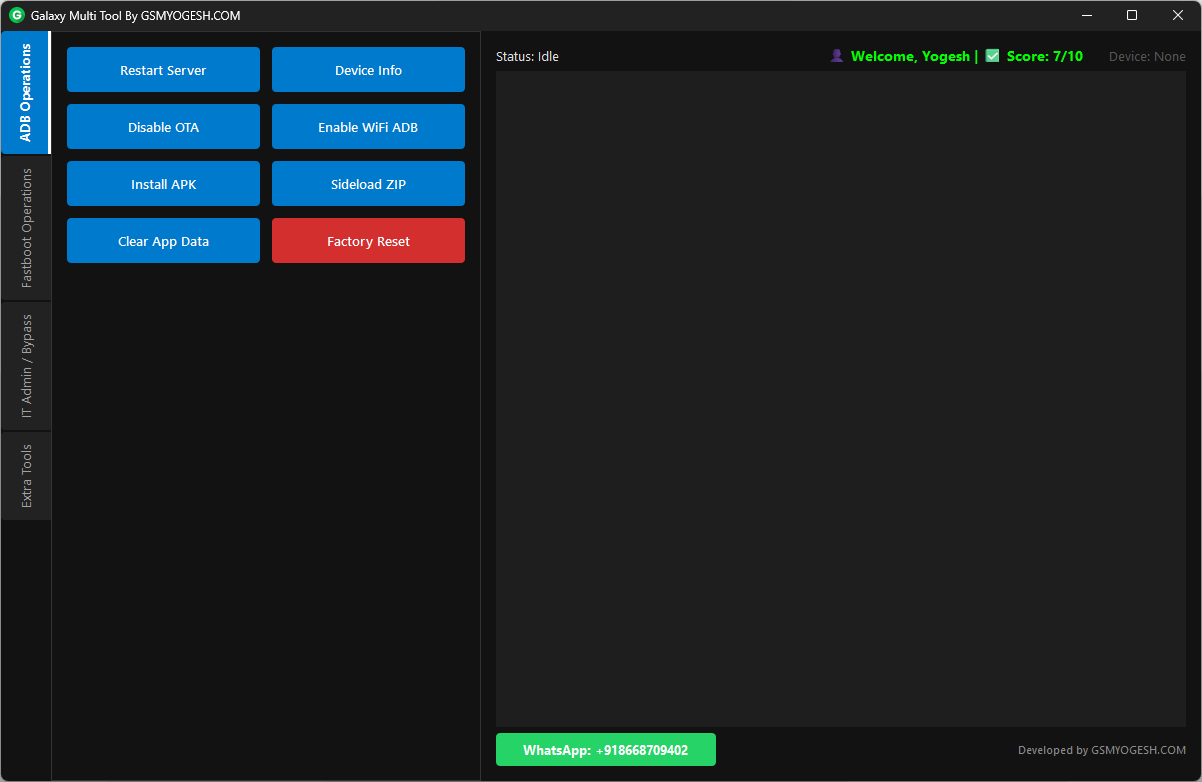
If you repair phones daily, you already know how messy our computer becomes. We keep many small tools Galaxy Multi Tool on the desktop—one for ADB, another for Fastboot, one more for FRP, and others for checking device details. Opening different programs again and again takes time and feels irritating.
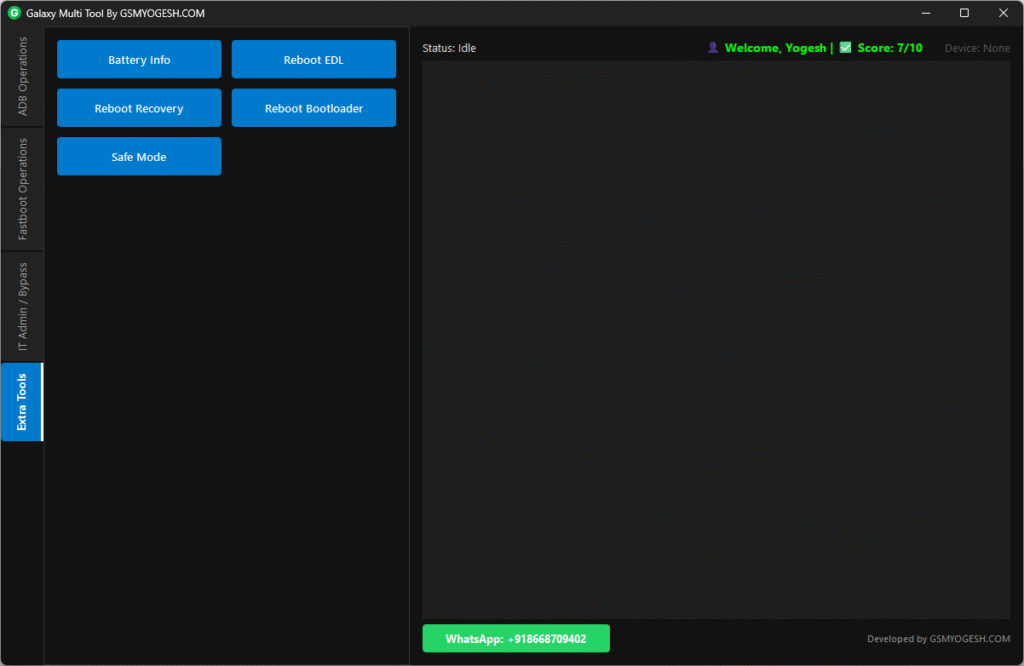
I wanted to solve this problem in a simple way. I wanted one clean tool that can handle all the common jobs we do every day. After many days of testing and improving, I finally created Galaxy Multi Tool V1.0.
This tool is made for everyone who works in mobile repair, whether you are new or experienced. It saves time and makes your work smoother.
Why I Built This Tool
My main thought was to make something simple. Many tools look confusing and are filled with features we never use. I wanted the opposite. Connect the device, click the button, and the job is done. No typing commands, no long steps, and no stress.
Main Features of Galaxy Multi Tool V1.0
Everything you need is placed in one clear dashboard.
1. ADB Features – Easy One‑Click Actions
- Read Device Info – Get model, Android version, serial number, and more.
- Factory Reset – Reset the phone and reboot to recovery.
- Manage Apps – Install APKs, uninstall system apps, or clear app data.
- Sideload – Flash ZIP files through ADB Sideload mode.
- Disable OTA Updates – Stop unwanted system updates.
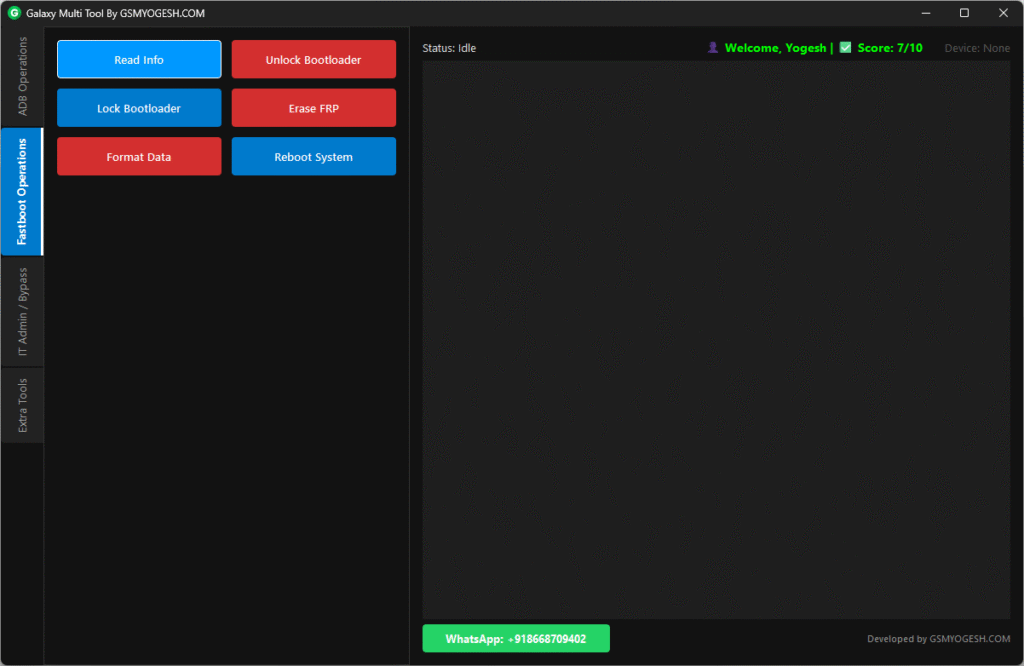
2. Fastboot Features
- Unlock or lock bootloader
- Erase FRP or format user data
- Check bootloader info
- Check anti‑rollback status
All actions are safe and handled with one click.
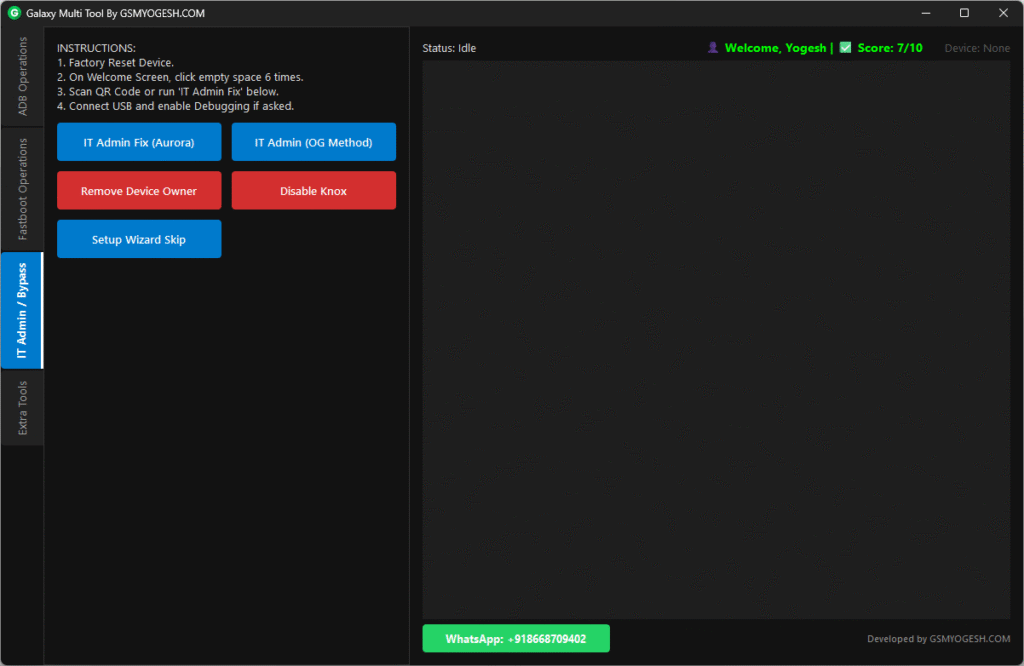
3. Security and IT Admin Fix Tools
Helpful for technicians working on devices locked with IT policies, Knox, or enterprise settings.
- Monkey Method Bypass
- Aurora Fix
- Owner and Knox Fix Tools (some need root)
- Skip Setup Wizard on supported devices
A Fun Addition – Knowledge Check
When you open the tool for the first time, you will see a small quiz:
- 10 simple questions about mobile repairing
- You must answer at least 7 correctly to unlock the tool
- You only do this once
- After passing, the tool asks for your name and saves it
- From the next launch, it greets you with “Welcome, [Your Name]”
This makes the tool feel personal.
Also – ADB MDM KG Tool By GSMYOGESH v1.0 Free Download
Clean and Comfortable Interface
The tool uses a dark theme to keep your eyes relaxed and give a professional look.
It also has a Smart Log Panel that shows what the tool is doing in simple words. The log clears itself automatically, so the screen never gets messy.
Need Support?
I know tools can always be improved, and questions may come anytime. That’s why I added a WhatsApp Support Button inside the tool. If anything goes wrong or if you have ideas for new features, just tap the button and message me directly.
Final Words
Galaxy Multi Tool V1.0 is my effort to make your daily repair work easier. Try it and let me know how it helps you. Your feedback motivates me to build better tools.
Happy Repairing!
– Joshi Yogesh Gopal (GSMYOGESH)
GSMYOGESH.COM
Download Link
You can download Galaxy Multi Tool V1.0 from the links below: