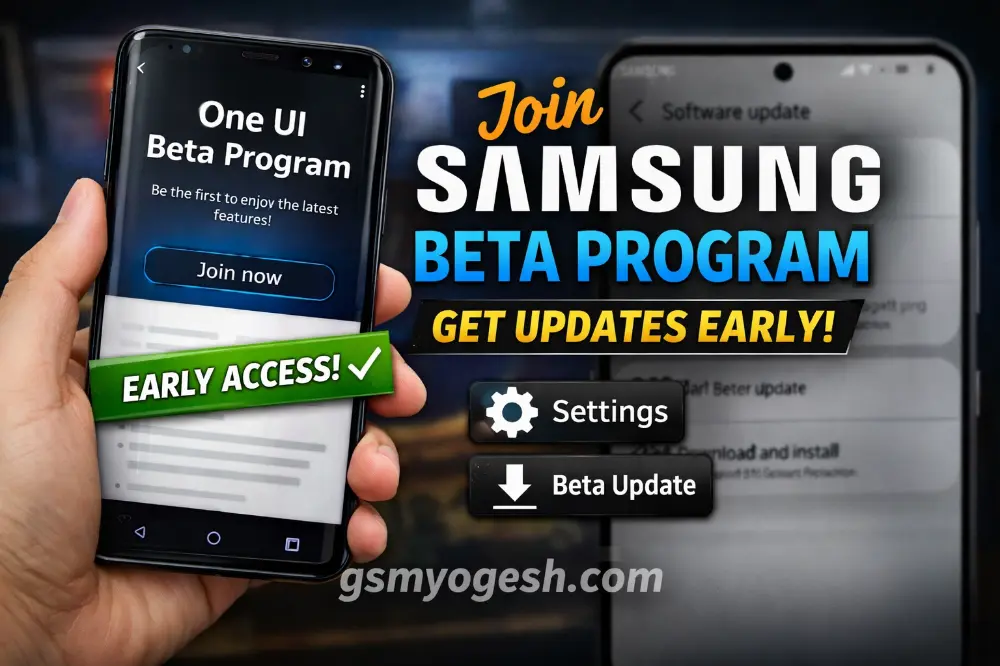
How to Enroll in Samsung Beta Program and Get Updates Early
If you are using a Samsung Galaxy phone, you may have seen news about new updates before they come to everyone. New design. New features. New settings. And you may be thinking, “How can I get this update first?”
The answer is simple. You can join the Samsung Beta Program.
In this article, I will explain in very easy words what it is and how you can join step by step.
What Is Samsung Beta Program?
The Samsung Beta Program is a testing program. Before Samsung releases a big update to all users, they first give it to beta users.
Beta users test the new software early. They check for problems and send feedback. After fixing issues, Samsung releases the final stable update for everyone.
So if you join the beta program, you can use new features before most people.
But remember, beta updates are not fully stable. Small bugs can happen.
Why Do People Join the Beta Program?
- To try new features early
- To see the new design first
- To test and give feedback
- Because they enjoy exploring new updates
If you like new technology and do not mind small issues, beta can be exciting.
Important Things to Know Before Joining
- Beta software may have bugs
- Battery backup may not be perfect
- Some apps may crash
- You should always take a full backup
If your phone is very important for office or daily work, think carefully before joining.
How to Enroll in Samsung Beta Program (Step-by-Step)
Step 1: Check If Your Phone Is Eligible
Not all Samsung phones get beta updates. Mostly new flagship models like Galaxy S series get it first.
Also, beta is not available in every country. So first check if your model and country support beta.
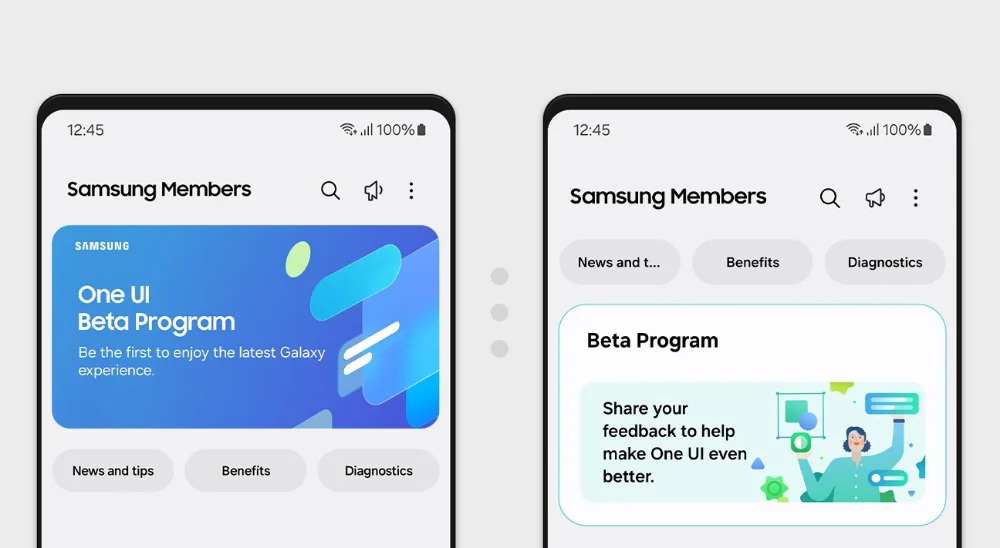
Step 2: Open Samsung Members App
- Open the Samsung Members app.
- If you do not have it, download it from Galaxy Store or Play Store.
- Login with your Samsung account.
This app is where beta registration happens.
Step 3: Find the Beta Program Banner
Inside Samsung Members, look at the home screen. If beta is available for your phone, you will see a banner that says something like:
Join One UI Beta Program
Tap on it.
Step 4: Register for Beta
- Read the terms and conditions.
- Tap on Enroll or Register.
- Confirm your registration.
Now your device is registered for beta testing.
Step 5: Download the Beta Update
- Go to Settings.
- Tap Software Update.
- Tap Download and Install.
If the beta update is available, it will start downloading like a normal update.
Real-Life Example
Think of beta like watching a movie before its official release. You get early access. But maybe the movie is not fully polished yet.
That is how beta software works. You enjoy new features early, but small problems may exist.
Benefits of Joining Samsung Beta Program
- Use new features before everyone
- Experience new design first
- Help improve the final update
- Learn about changes early
Possible Disadvantages
- Small bugs may appear
- Battery drain can happen
- Some apps may not work properly
- You may need to reinstall stable software to leave beta
So always be prepared before installing.
How to Leave the Beta Program
- Open Samsung Members.
- Go to the Beta section.
- Choose the option to withdraw.
In some cases, you may need to install the official stable software again.
Frequently Asked Questions (FAQs)
1. Is Samsung Beta Program free?
Yes. It is completely free to join.
2. Will my data be deleted after installing beta?
Normally no. But always take a backup before updating.
3. Can I leave beta anytime?
Yes, but sometimes you may need to reinstall stable software.
4. Will I get stable update later?
Yes. When the official version is released, you will receive it.
5. Is beta safe for daily use?
It can work fine, but small bugs are possible. If your phone is very important for work, think carefully before installing.
If you enjoy trying new updates early and want to explore new features before others, joining the Samsung Beta Program is a good option. Just remember one simple thing — always take a backup first.