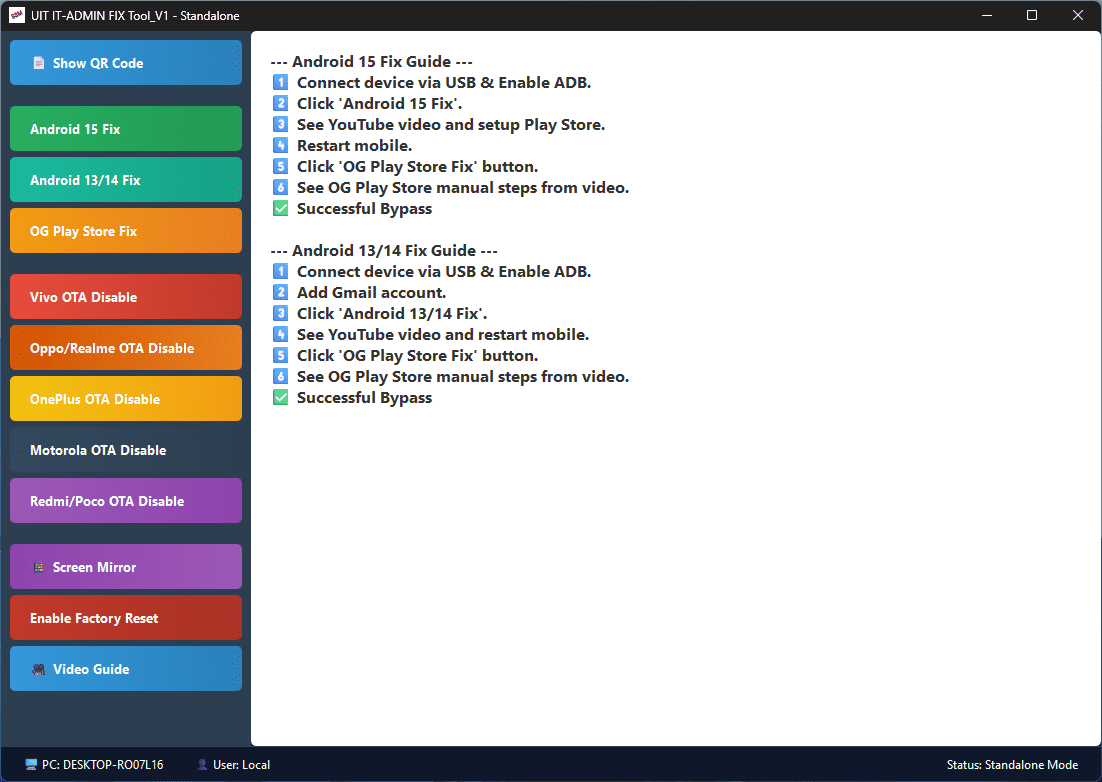
UIT IT-ADMIN FIX Tool:- Imagine this: You’re sitting in your repair shop, a customer walks in with an Android phone locked down by restrictions, blocked Play Store, and a warning that says “Device will reset in 2 hours.” Stress kicks in — but not for you.
Because you’ve got something powerful.
UIT IT-ADMIN FIX Tool V1 – Standalone Edition is your go-to utility when time is short and pressure is high. It’s clean, simple, and works straight from an .exe file. No login. No complications. No delay.
🧠 Why This UIT IT-ADMIN FIX Tool Matters
Fixing Android issues manually can be messy: ADB commands, finding the right apps, fighting OTA updates, and hunting for QR decryption methods. This tool brings everything under one roof — organized, tested, and just one click away.
Whether you’re dealing with Android 15 restrictions or need to block software updates on a Realme device, UIT IT-ADMIN FIX does it without asking for credentials, licenses, or cloud accounts.
💡 Real-World Impact
“One of my regular clients brought in a locked Android 14 phone. He’d already visited two shops and got nothing but frustration. I opened the UIT FIX tool, clicked two buttons, waited a few seconds — fixed. No reset, no MDM, Play Store working. He was so surprised he brought two more phones the next day.”
— Deepak Mobile Zone, Jaipur
This isn’t just a tool. It’s a reputation-saver.
⚙️ What’s Inside?
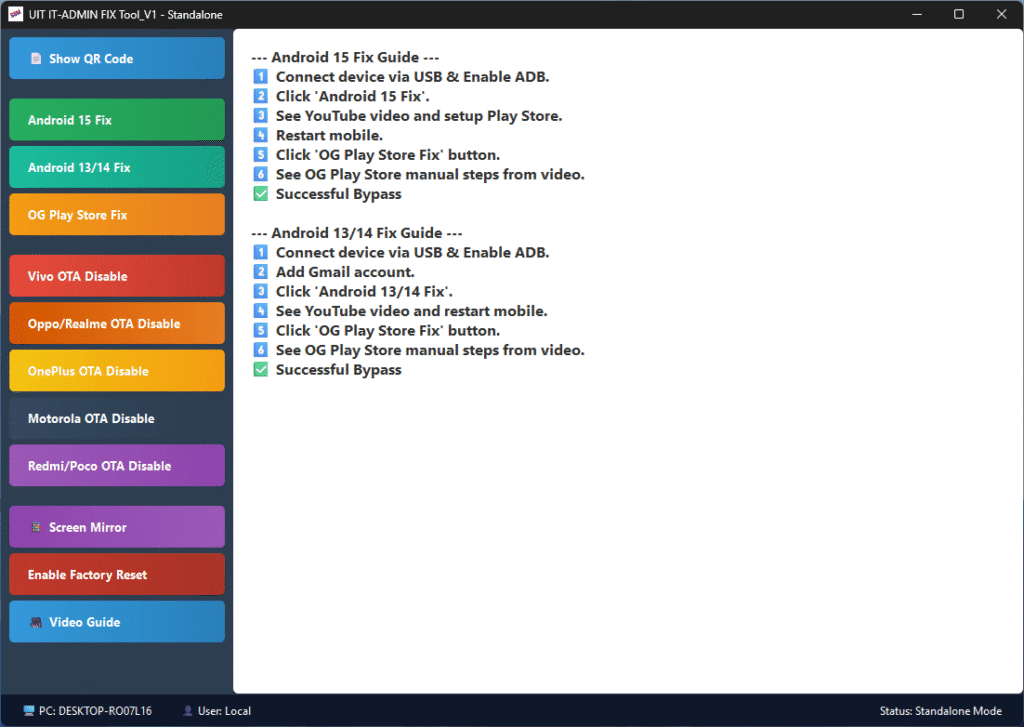
🛠️ Android 15 Fix – Removes restrictions, disables cloud DPC, installs required APKs
🛠️ Android 13/14 Fix – Works with older models using optimized sequences
🛠️ OG Play Store Fix – Restores access after device is bypassed
🛠️ OTA Update Blocker – For brands like Vivo, Oppo, Realme, OnePlus, Motorola, Redmi
🛠️ Enable Factory Reset – Even if blocked by MDM/Enterprise policy
🛠️ Screen Mirror Tool – Uses built-in Scrcpy for live screen sharing
🛠️ QR Decryption Viewer – See QR codes without external tools
🛠️ Built-in YouTube Guide – Watch how it works before touching a device
And all of this, from one lightweight .exe file.
🚀 How It Works (Super Simple)
- Download & Unzip the folder. Keep all included files and folders.
- Run the EXE file directly — no installation needed.
- Wait 10 seconds for the loading screen to complete.
- Use the buttons on the left panel to perform actions.
- Follow the instructions shown on the screen or in the built-in guide.
No internet? No problem. The tool even works offline once started.
🧑🔧 Who Should Use This?
- Mobile repair technicians
- Shops dealing with education-locked phones
- People flashing firmware or removing device policies
- Experts tired of unreliable patch tools
If you’re serious about getting results and don’t want to waste time chasing fixes online, this tool delivers instantly.
🛡️ Warning & Ethics
🔒 This tool is meant for genuine use only.
If you’re misusing it or applying it to stolen/lost devices, you’re on your own. The developer (GSMYOGESH) has built this for verified, professional use.
Download Link
https://drive.google.com/file/d/1Lw1StVAS-hyEjH1SddLjerbPbeCsfDeK/view?usp=sharing
📺 Watch the Guide
Want to see it in action?
📹 https://youtu.be/hmLYF2p3_C4
🌐 Made by GSMYOGESH
Visit the official page for updates:
👉 https://gsmyogesh.com